01 / SMART LAYOUTS
Make the most of your screen.
Window Grid chooses a layout for your open windows and the space available. As windows come and go, the arrangement adapts to keep your workspace organized and easy to scan.
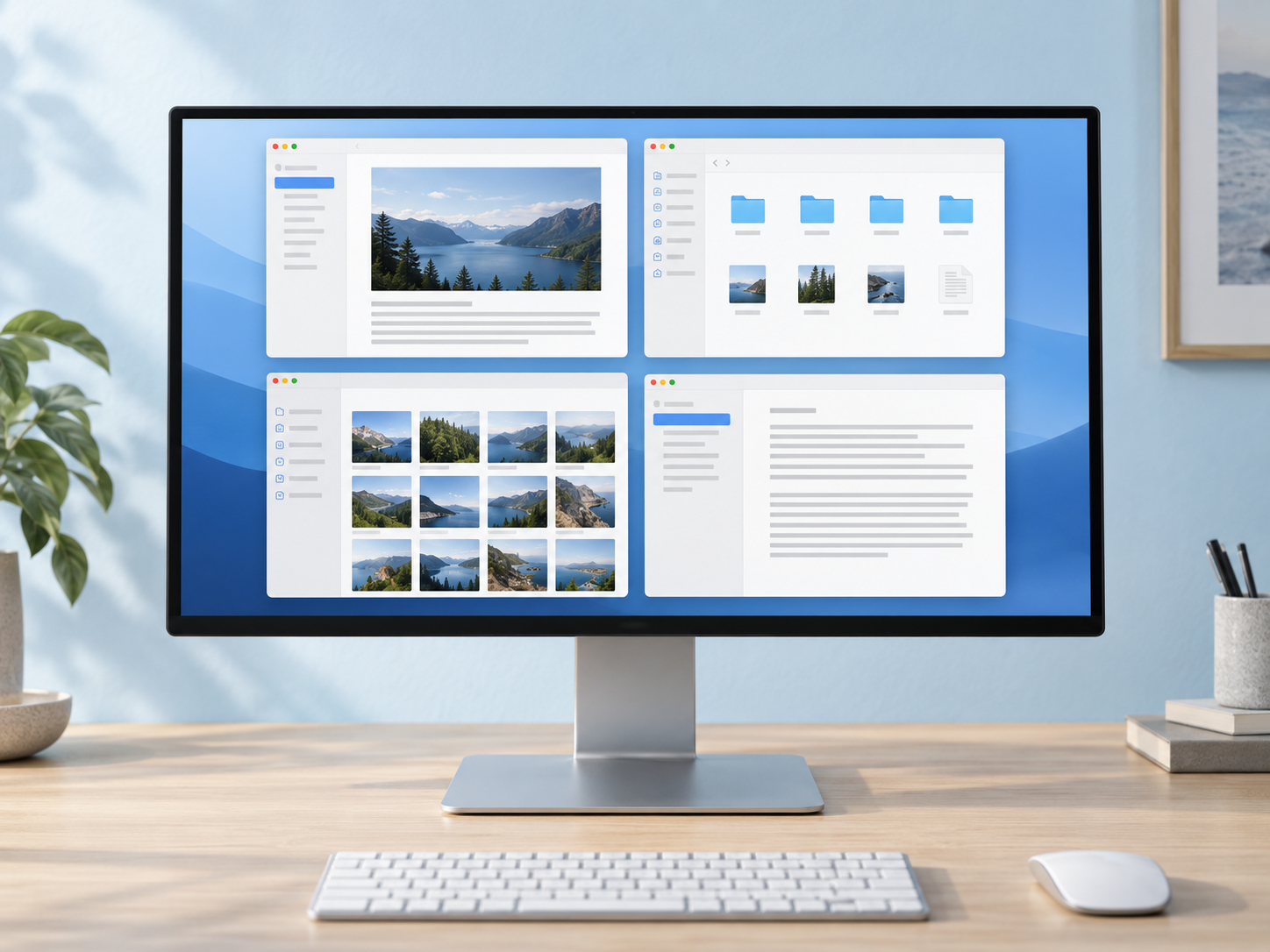
Window Grid automatically organizes your active app’s windows into smart layouts that adapt to your screen. See more at once and make the most of the space you have.
Includes 30 days of Pro free.
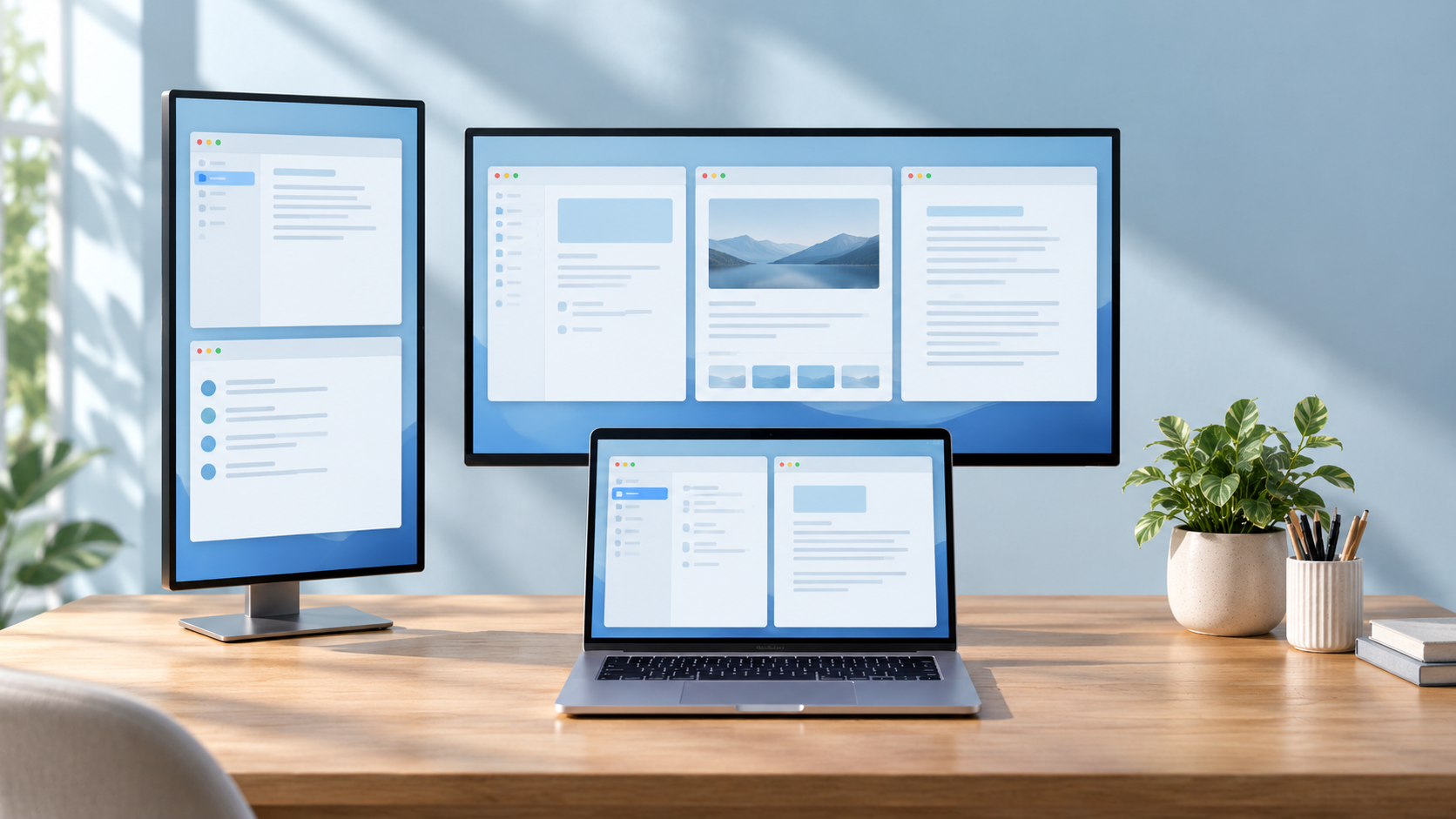
Make the most of your monitor with layouts that adapt to your windows. Add a personal touch with preferred layouts in Pro.
Window Grid chooses a layout for your open windows and the space available. As windows come and go, the arrangement adapts to keep your workspace organized and easy to scan.
Start with Finder, Safari, and Chrome in Free. With Pro, add other compatible apps to the ones Window Grid manages.
Finder, Safari, and Chrome are supported by default. Pro lets you add other compatible apps.
Pro remembers your preferred layout for each app on each display, so your workspace returns to the arrangement that works for you.
Organize more apps across multiple displays, swap windows into place, and remember the layouts that suit your way of working.
| Feature | Free | Pro |
|---|---|---|
| Automatic window arrangement | ||
| Supported apps | Finder, Safari, Chrome | Add other compatible apps |
| Displays | One eligible display* | Multiple displays |
| Drag windows to swap positions | ||
| Preferred layouts for each app and display |
* On laptops, Free arranges only the built-in display and stops when the lid is closed. On desktop Macs, Free arranges only the macOS main display.
How Window Grid adapts to your apps, screens, and way of working.
Window Grid arranges the windows of your active, managed application into a clean grid, helping you see them together instead of searching through overlapping windows.
Free lets you manage Finder, Safari, and Chrome. With Pro, you can add other compatible apps. In either tier, you choose which supported apps Window Grid arranges.
$4.99. You can use Pro mode free for your first 30 days.
Yes. Pause an individual application when you want to arrange its windows yourself, then resume when you’re ready.
Yes, with Window Grid Pro. You can set layouts, gaps, and margins for each display, including a built-in MacBook screen and landscape or portrait monitors. Free arranges only the built-in display on laptops, and stops arranging when the lid is closed. On desktop Macs, Free arranges the macOS main display.
macOS requires Accessibility permission for an app to move and resize other applications’ windows. Window Grid uses that access to arrange the windows you choose to manage.
Look for Window Grid in your Mac’s menu bar. That’s where you can access its controls and manage your workspace.
Give your windows an organized home, with smart layouts that adapt as you work.
Download for Macv0.10.41Apple silicon · macOS 13+Smart window arrangement for Mac.